

Latest Version
Wise Tech Labs Private Limited
Tools
Mac
$9.99
1387162452
Report a Problem
More About System Cleaner - Disk Cleanup
The Frustration of a Slow Mac: How System Cleaner - Disk Cleanup Rescues Your Storage
Picture this: you are in the middle of an important creative project or trying to download a crucial system update, only for your Mac to flash the dreaded "Disk Almost Full" warning. Over time, macOS accumulates temporary files, application caches, and massive log files that quietly steal gigabytes of your solid-state drive. System Cleaner - Disk Cleanup is a professional utility developed by Wise Tech Labs Private Limited designed to tackle this exact issue, restoring your machine's performance and reclaiming valuable disk space.
Comprehensive Cleaning Modules in One App
Instead of manually hunting through hidden library folders, this utility organizes your digital housekeeping into four distinct, easy-to-navigate categories. Here is a breakdown of how it helps you manage your Mac's storage:
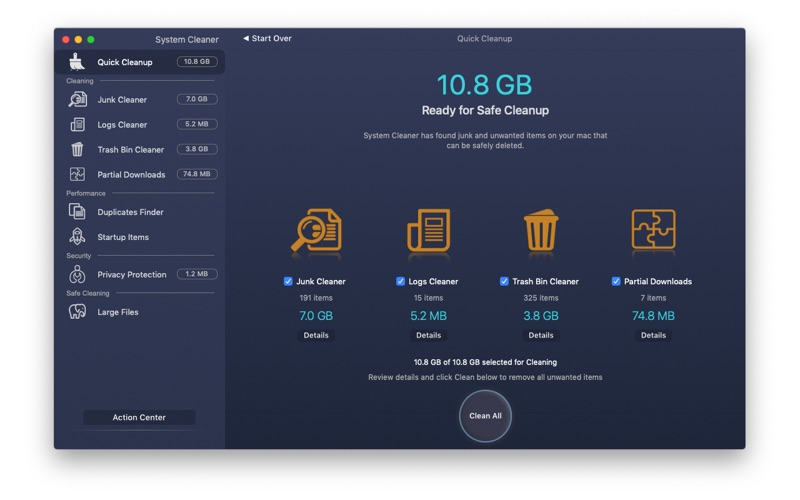
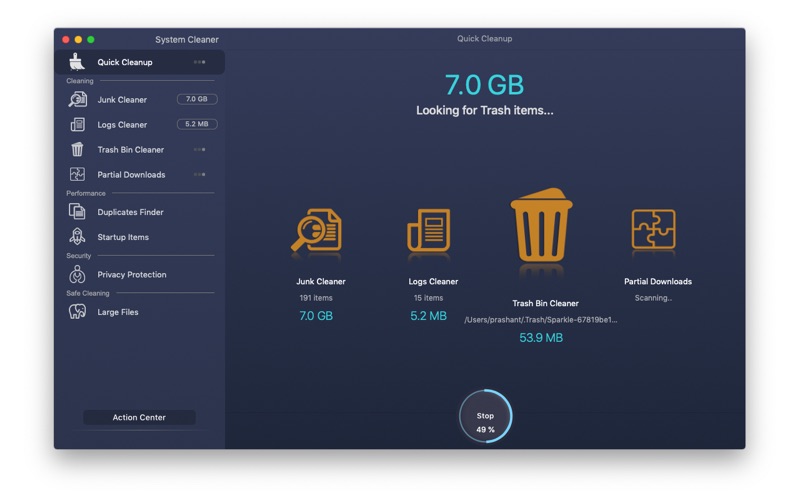
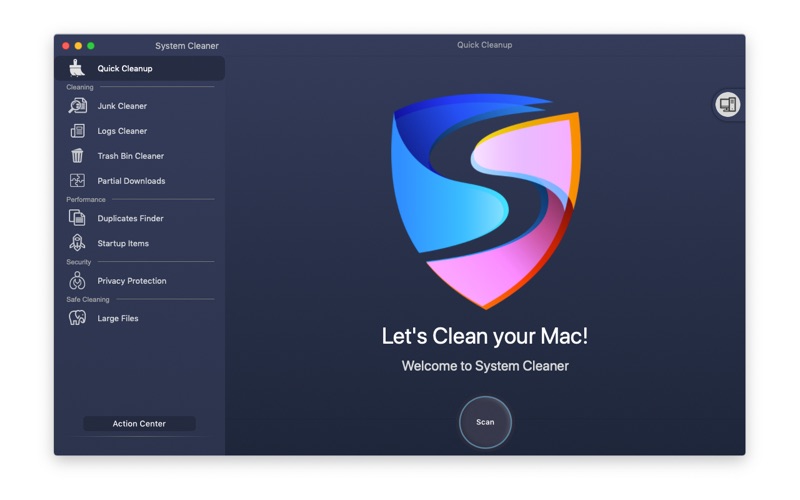
- Quick Cleanup: This feature allows you to initiate a robust scan across all four primary cleaning modules simultaneously, letting you purge unwanted clutter in one single click.
- Junk & Logs Cleaner: Regularly used applications write continuous log files and cache data. The app safely identifies these redundant files so you can delete them instantly, which is especially beneficial for users with smaller SSDs.
- Trash Bin & Partial Downloads Manager: When downloads fail mid-way, they leave behind corrupted, useless files. The software targets these partial downloads and helps you empty your system trash thoroughly.
Performance Optimization and Duplicate Detection
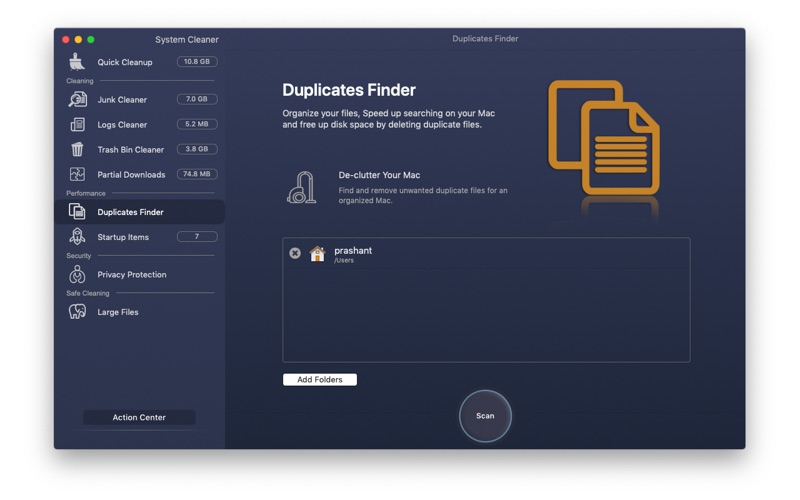
Beyond simple file deletion, System Cleaner - Disk Cleanup helps streamline your daily macOS experience. The built-in Duplicates Finder scans your folders to locate identical files that may have been copied accidentally, grouping them clearly so you can choose which version to keep. Additionally, the Startup Apps manager lets you control which applications launch when you boot your Mac, significantly reducing startup times and freeing up active system memory.
Protecting Your Digital Footprint
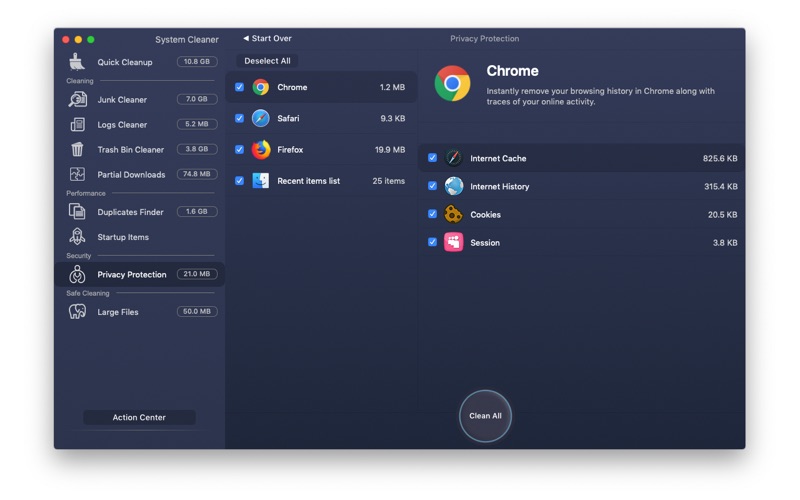
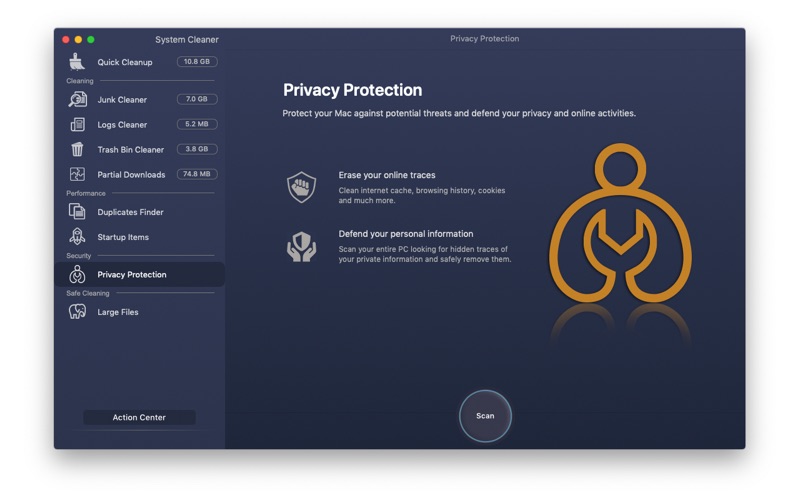
Security is another pillar of this utility. The integrated Privacy Protection module helps you clear your online traces, removing sensitive browsing histories and tracking data to safeguard your personal information from potential local threats.
Is It Right for You?
If you want a straightforward, all-in-one maintenance tool that does not require terminal commands or complex configurations, this utility offers an excellent balance of safety and efficiency. It is highly recommended for users looking to maintain a healthy, optimized macOS environment without hassle.
To learn more about this system utility or to purchase the app, you can view it directly on the official Mac App Store.
Rate the App
User Reviews













Popular Apps










Editor's Choice